
Hey friend!
Feel free to use any of these reading freebies to work with your kiddos. Please let me know if you have any questions at all. 🙂 If you signed up for a particular freebie, you may need to scroll through to find it. All of these are linked to Dropbox, so you'll need to either use your free account there or create one. 🙂
You may also want to take a look at this other freebie page, full of bookish printables, like bookmarks, book club info, etc. Any questions or need help? E-mail me at amy @mythreereaders.com. Enjoy!
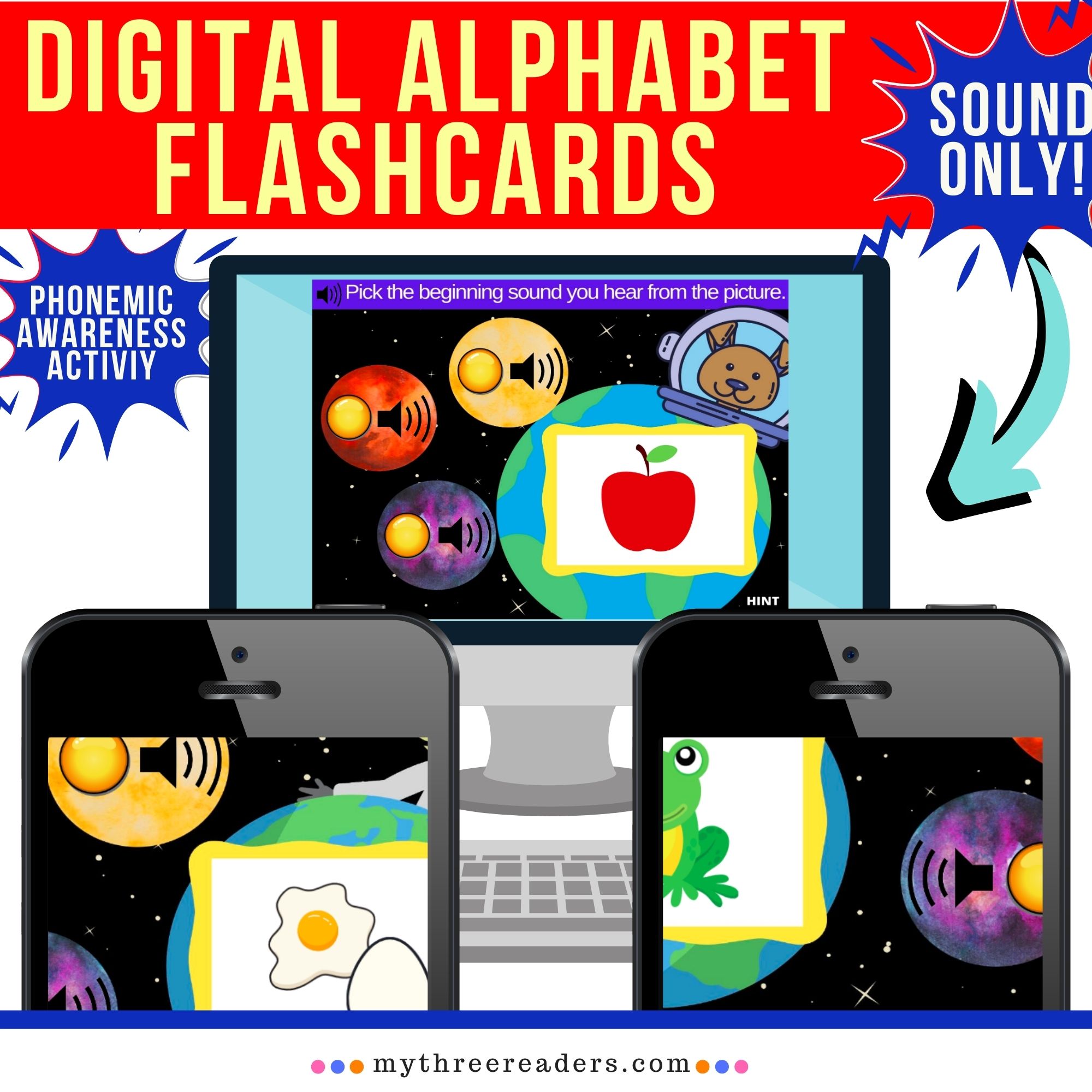
Digital Activities:
Click on the picture you want below to be taken to the activity. These are created on the BOOM learning site, where you can create a free account to use all the Boom Cards™ activities you want! They are interactive task cards that make learning fun, make great practice for schooling at home, and can also be used for teachers when we finally head back to school.
If you are new to Boom Learning, Check out this video that explains all about using Boom Cards™.
For teachers, Boom Cards™ can also be linked directly to your SeeSaw classroom or Google Classroom! Check out this video that explains how to use Boom Cards™ with SeeSaw or this video that explains how to use them for Google Classroom.
*More info on Boom Cards™ are below.


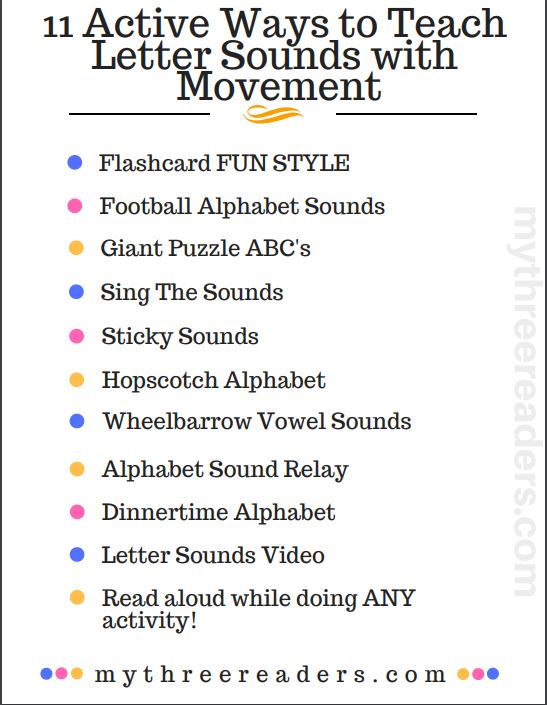
11 Action Ways to Teach Letter Sounds:
(This document goes with a post I wrote with instructions for each that you can find HERE).
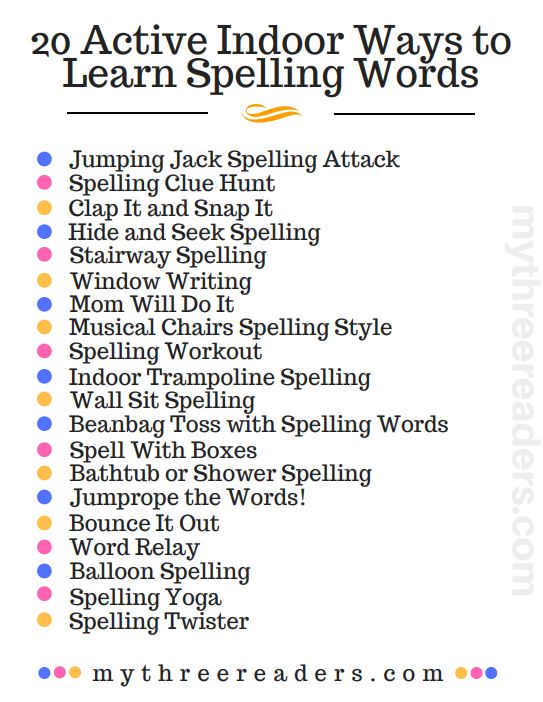
20 Active Ways to Teach Spelling (Indoors):
(This document goes with a post I wrote with instructions for each that you can find HERE).
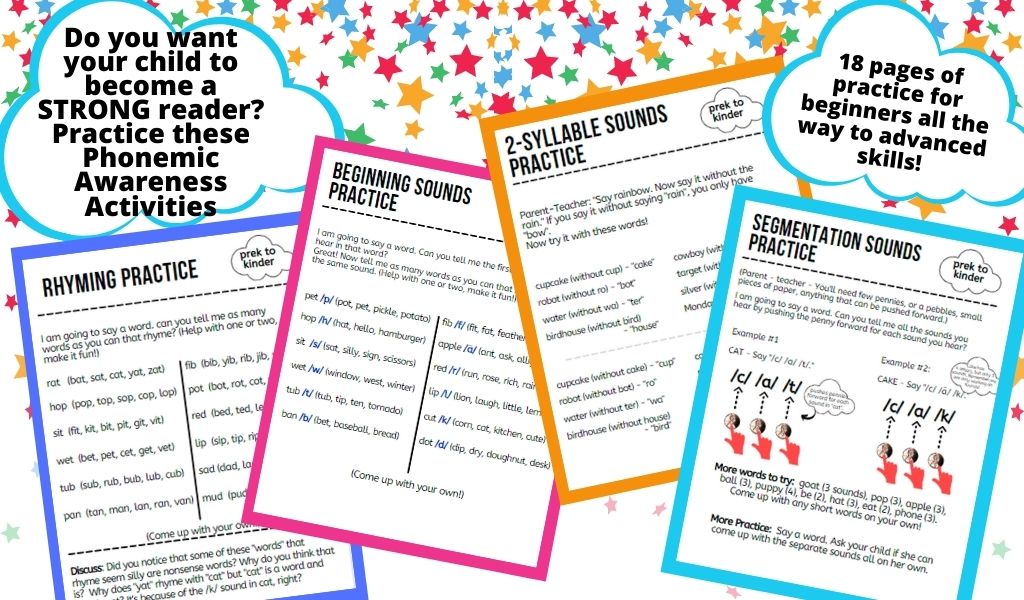
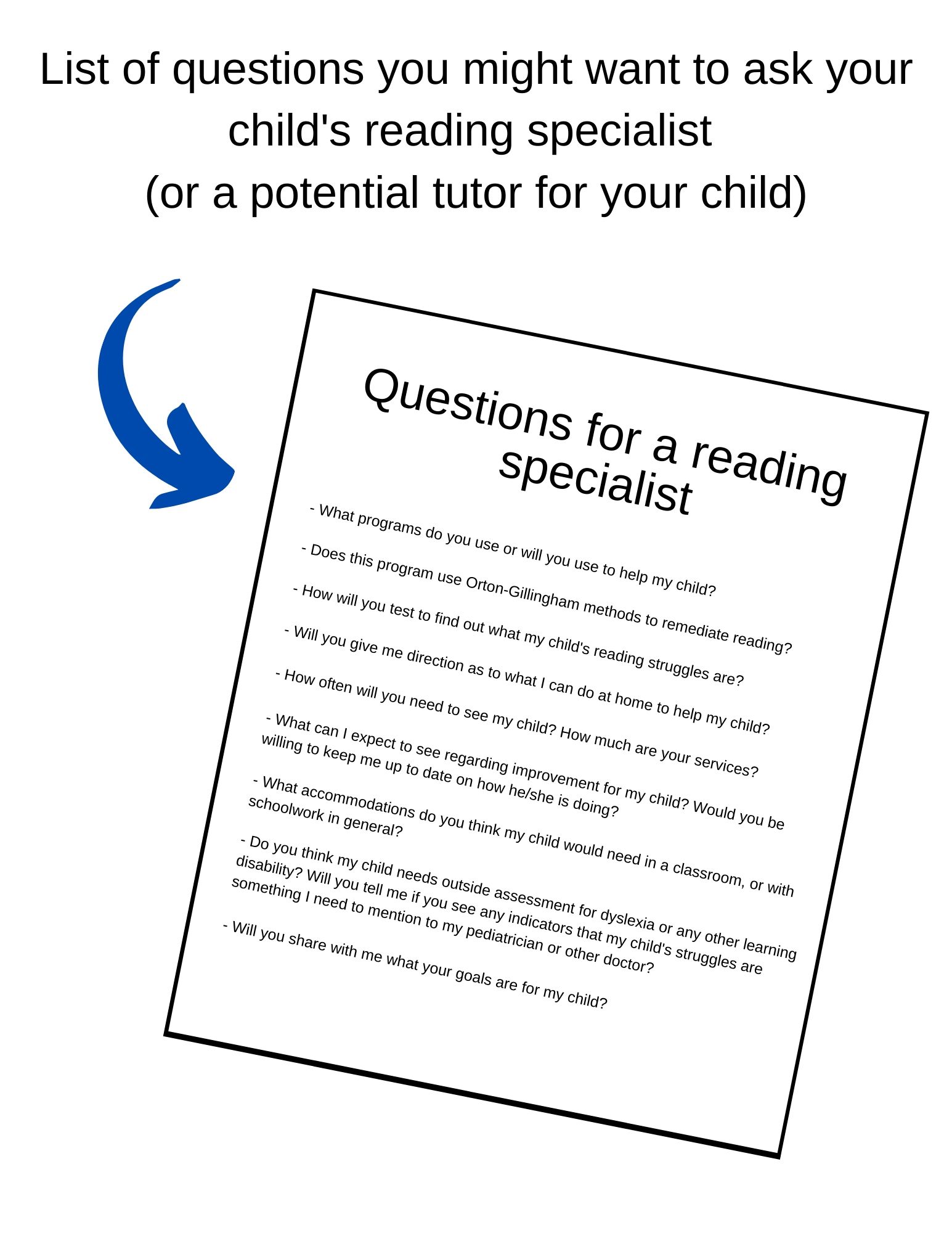
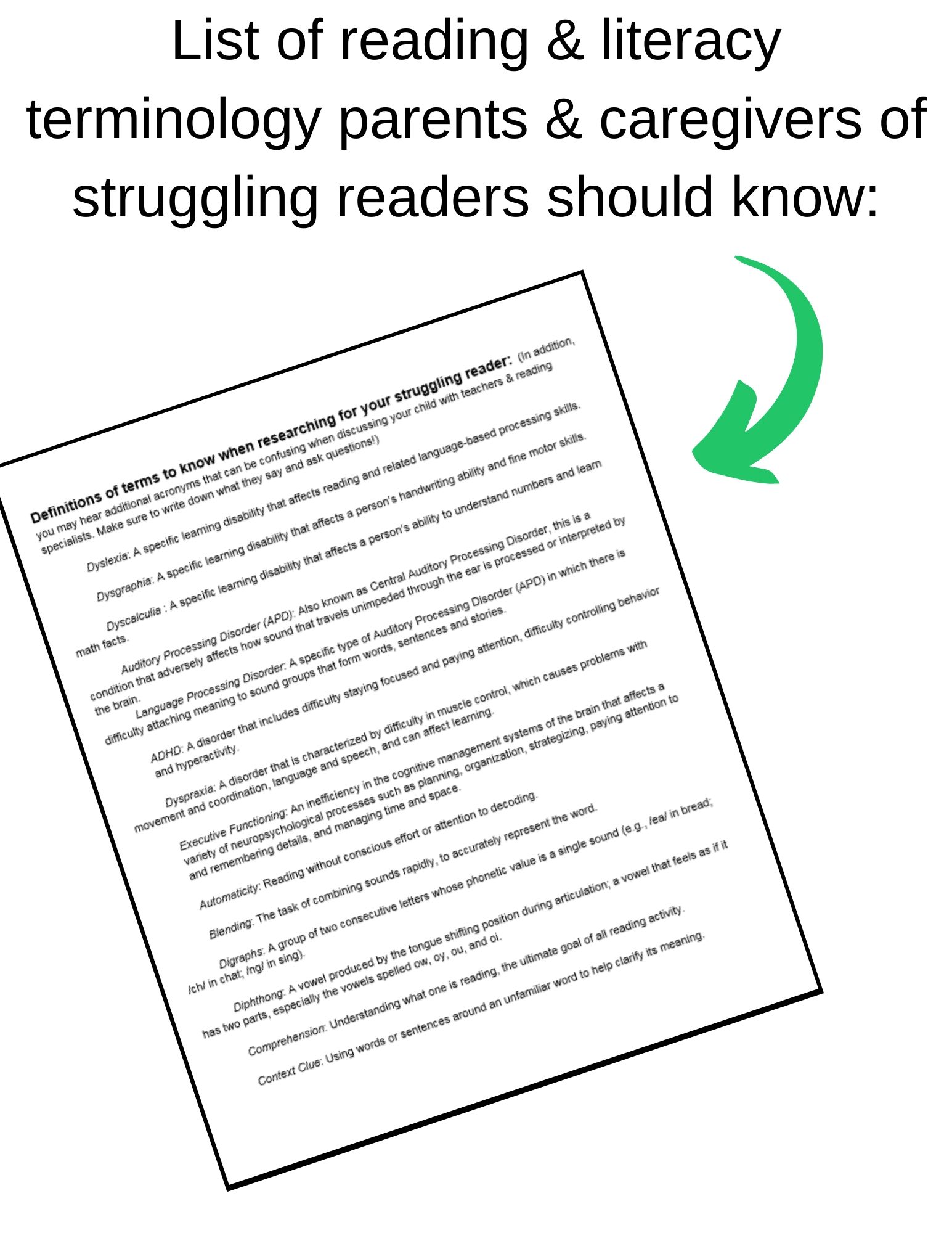
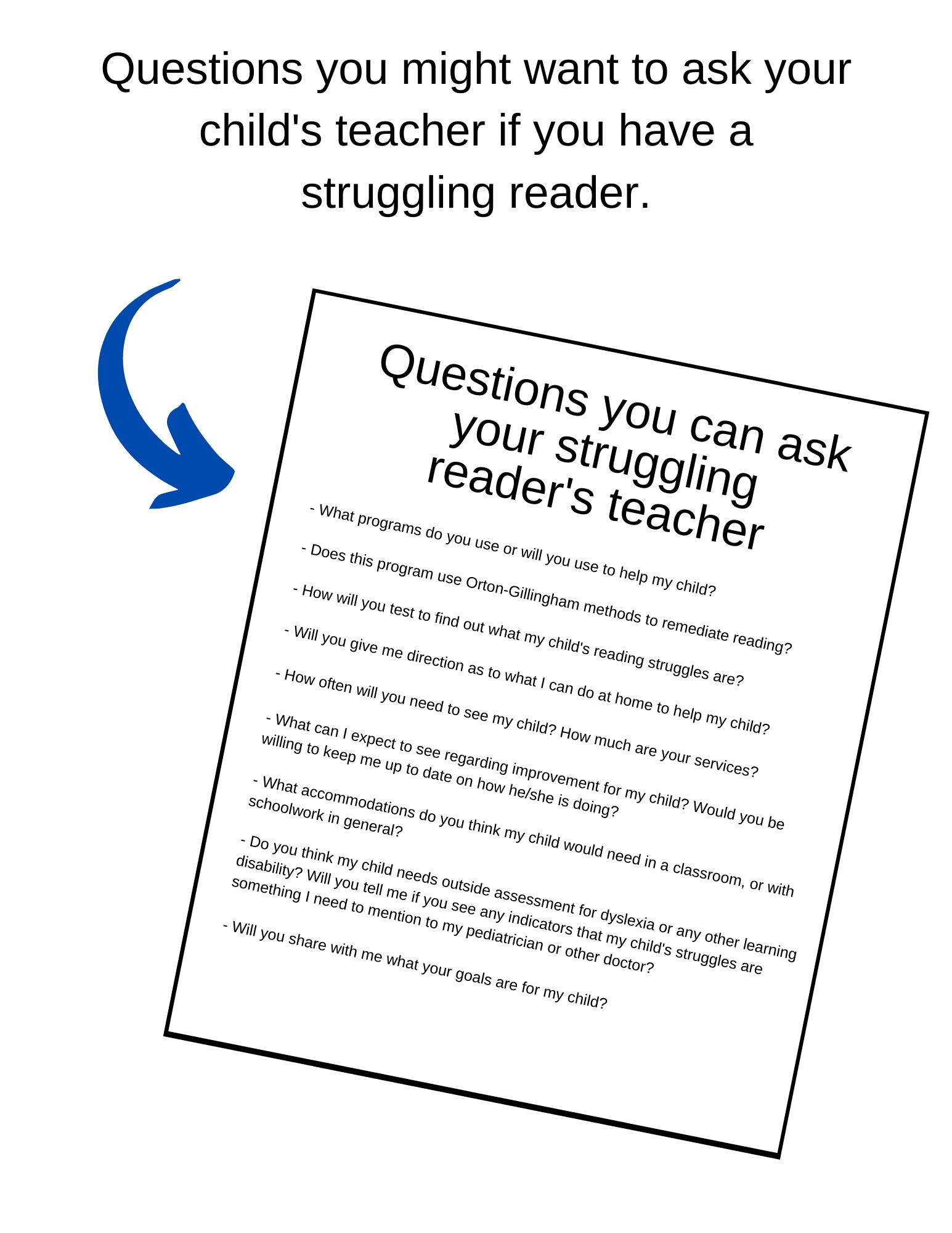
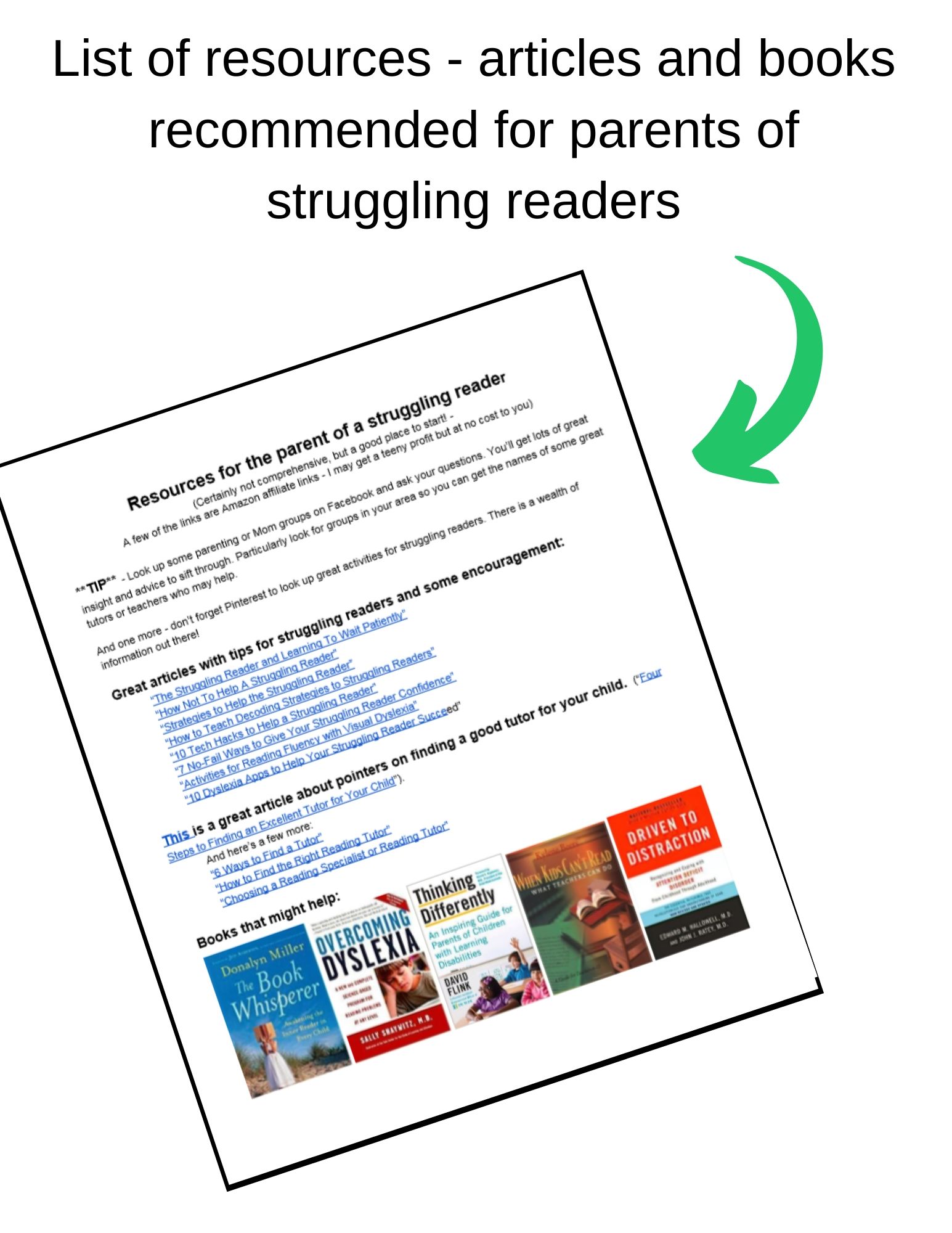
Help for struggling readers or to strengthen your reader:


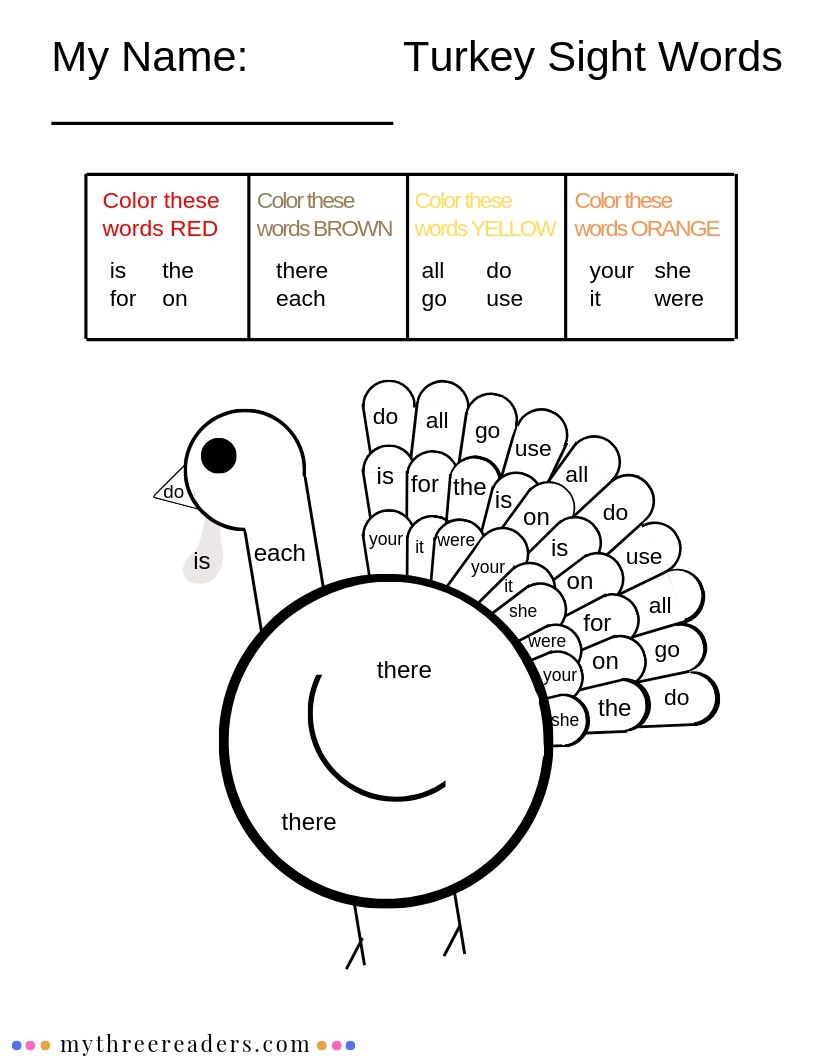
Sight Word Freebies:

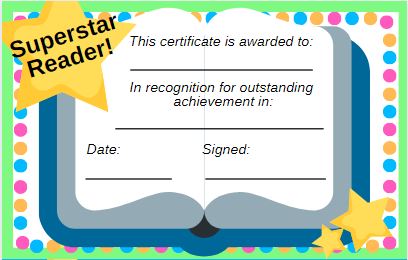
Reading Rewards and Goals:


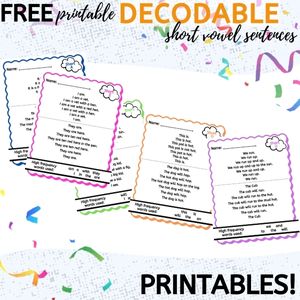
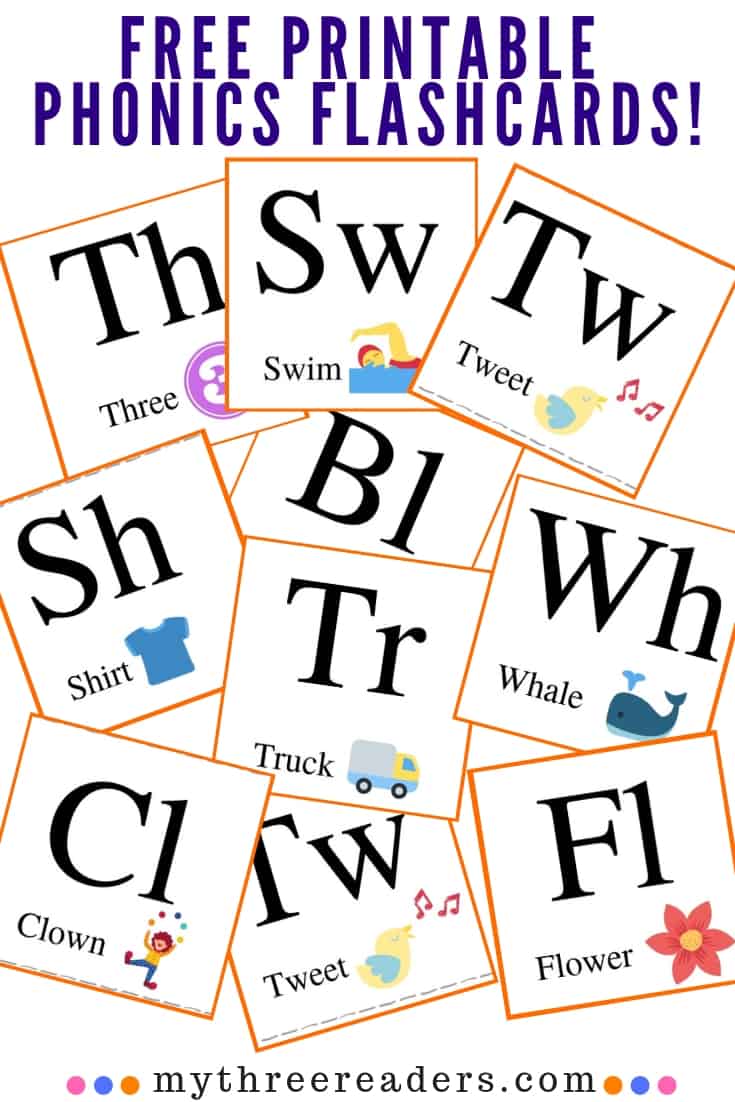
Phonics/ Phonemic Awareness/ Decodables:

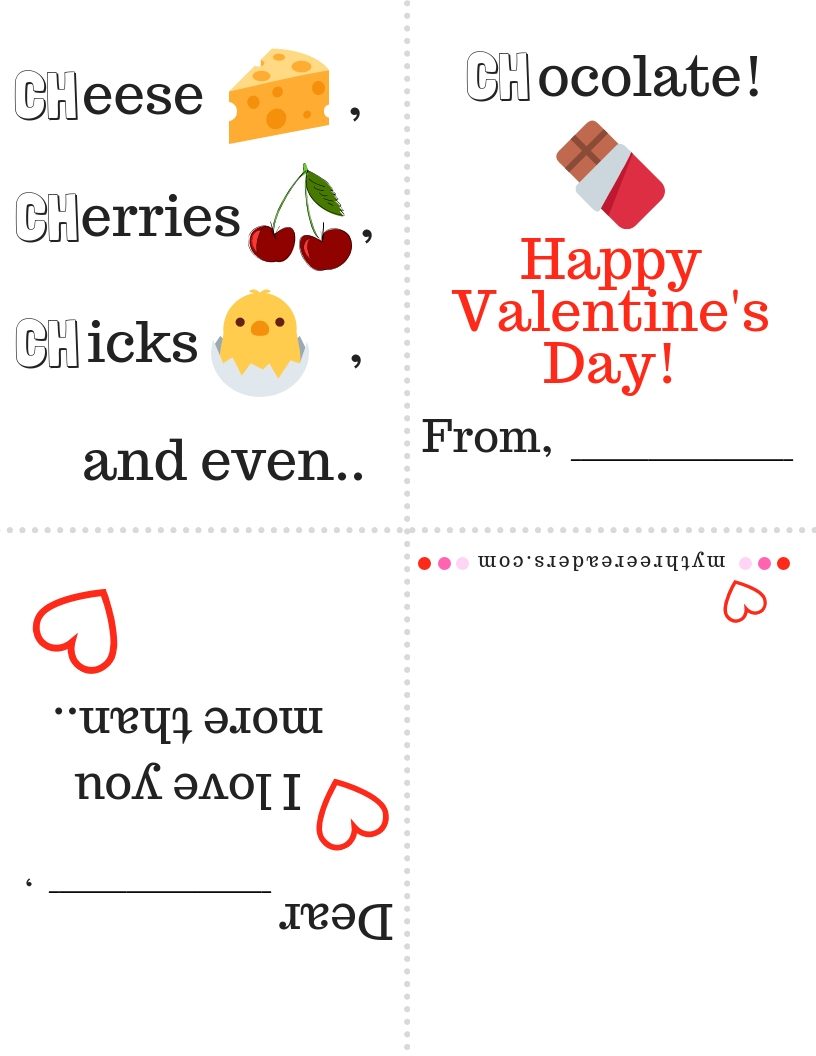

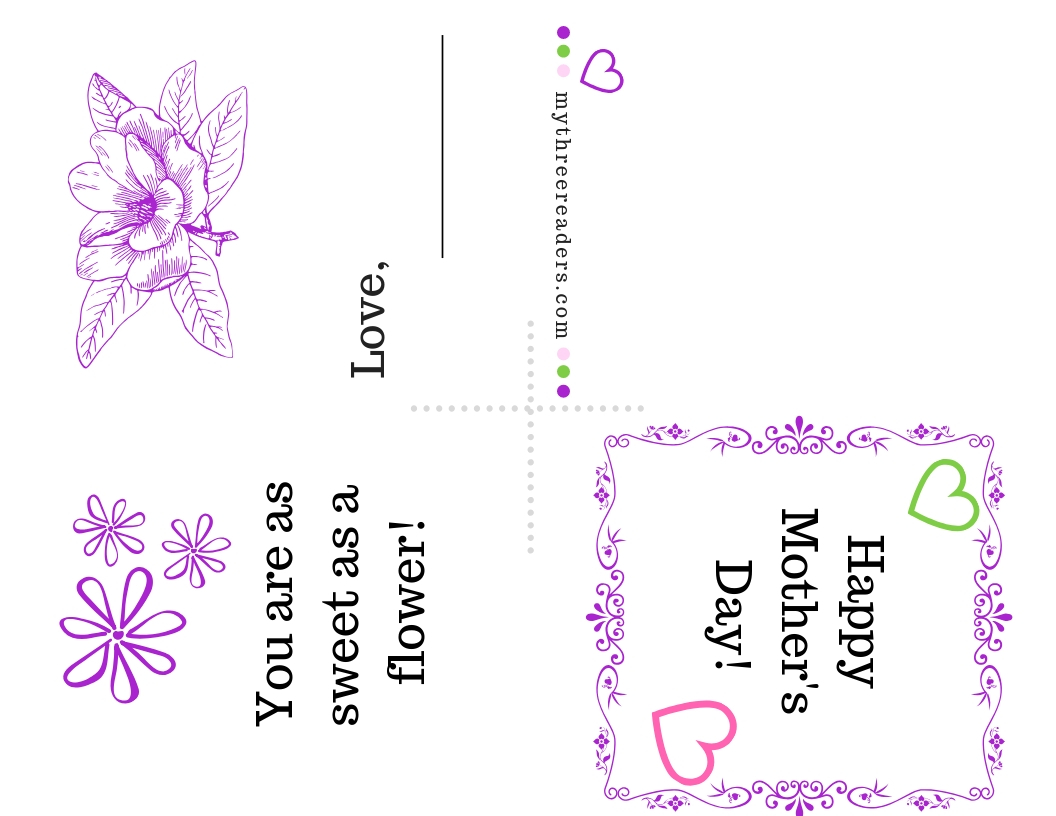
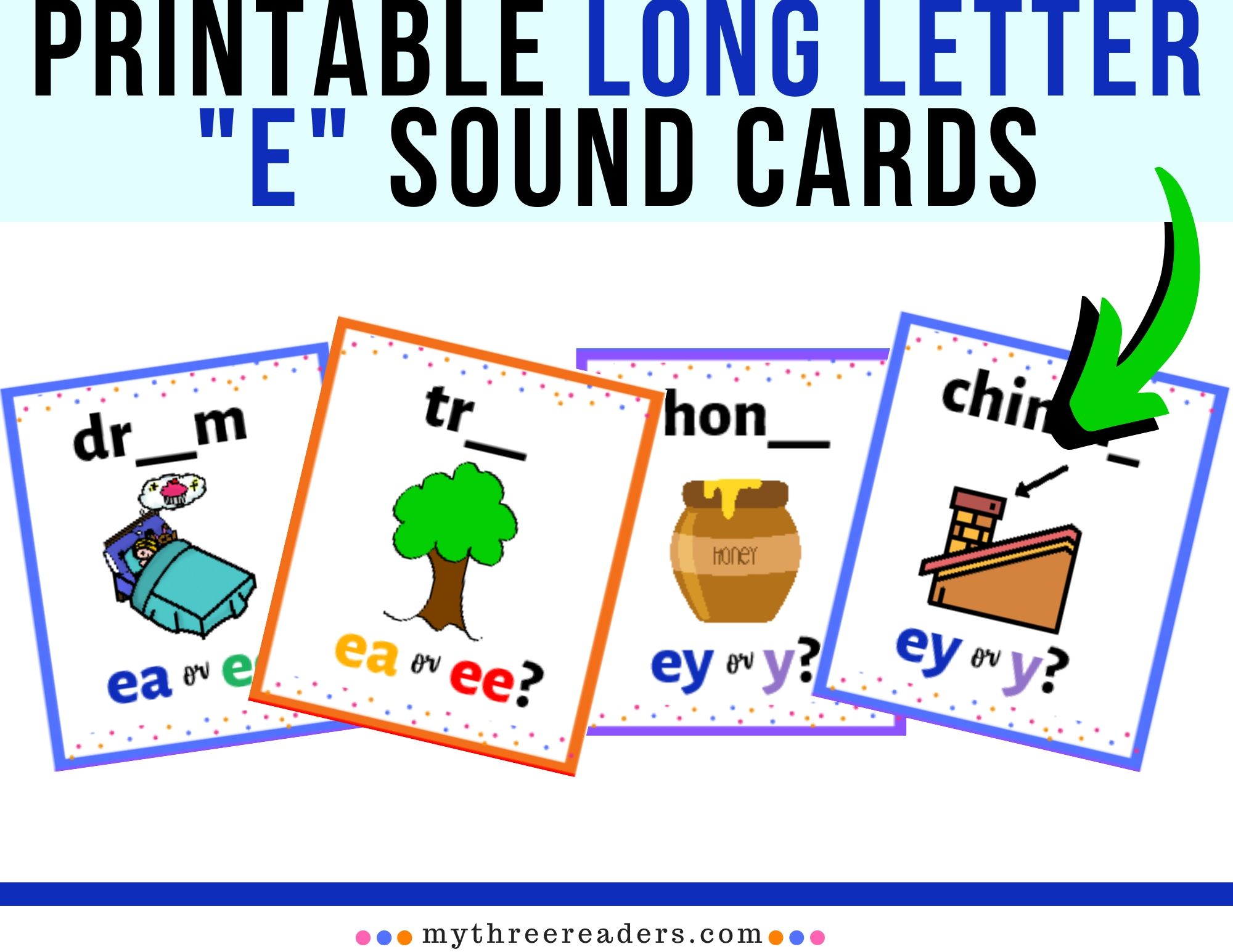
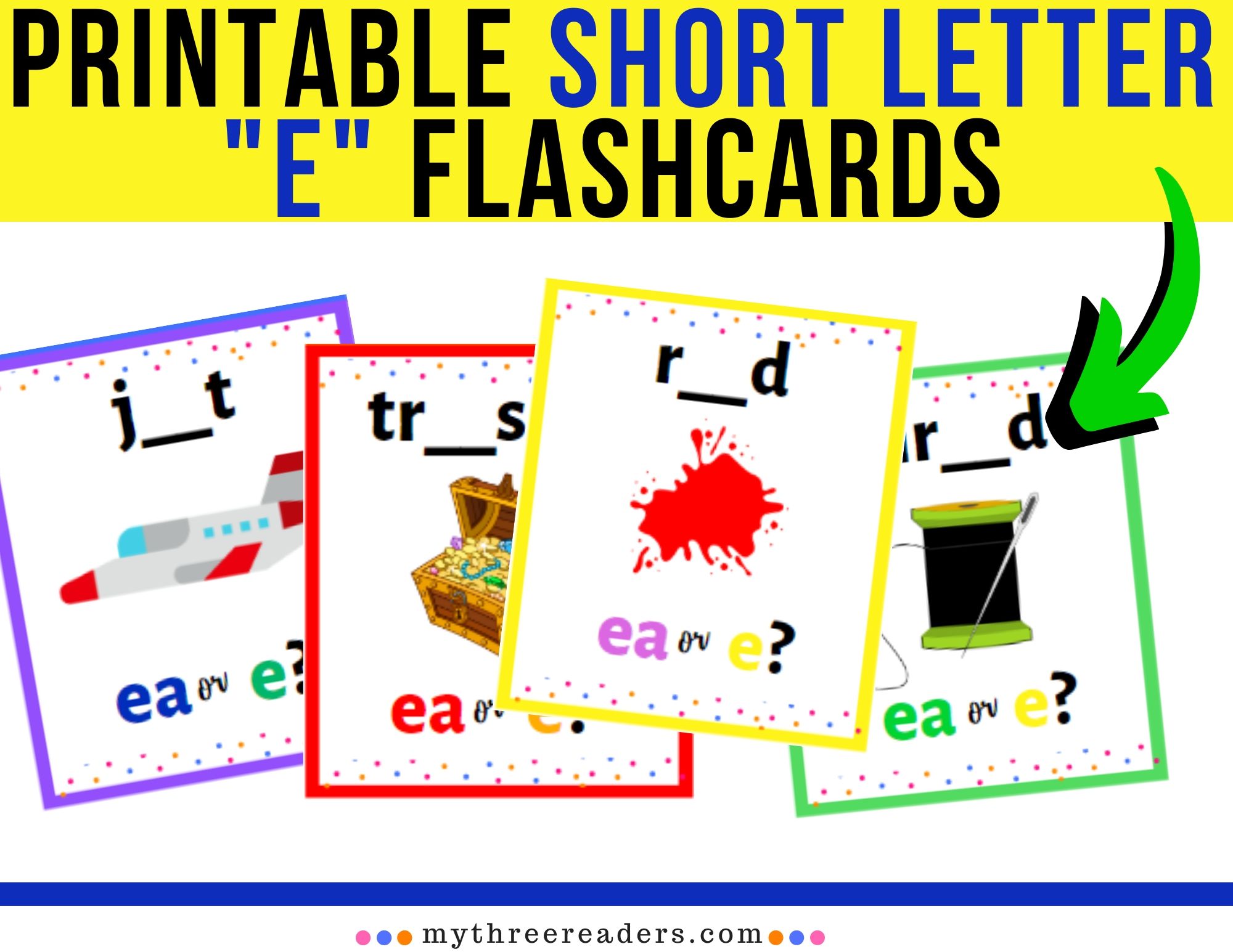
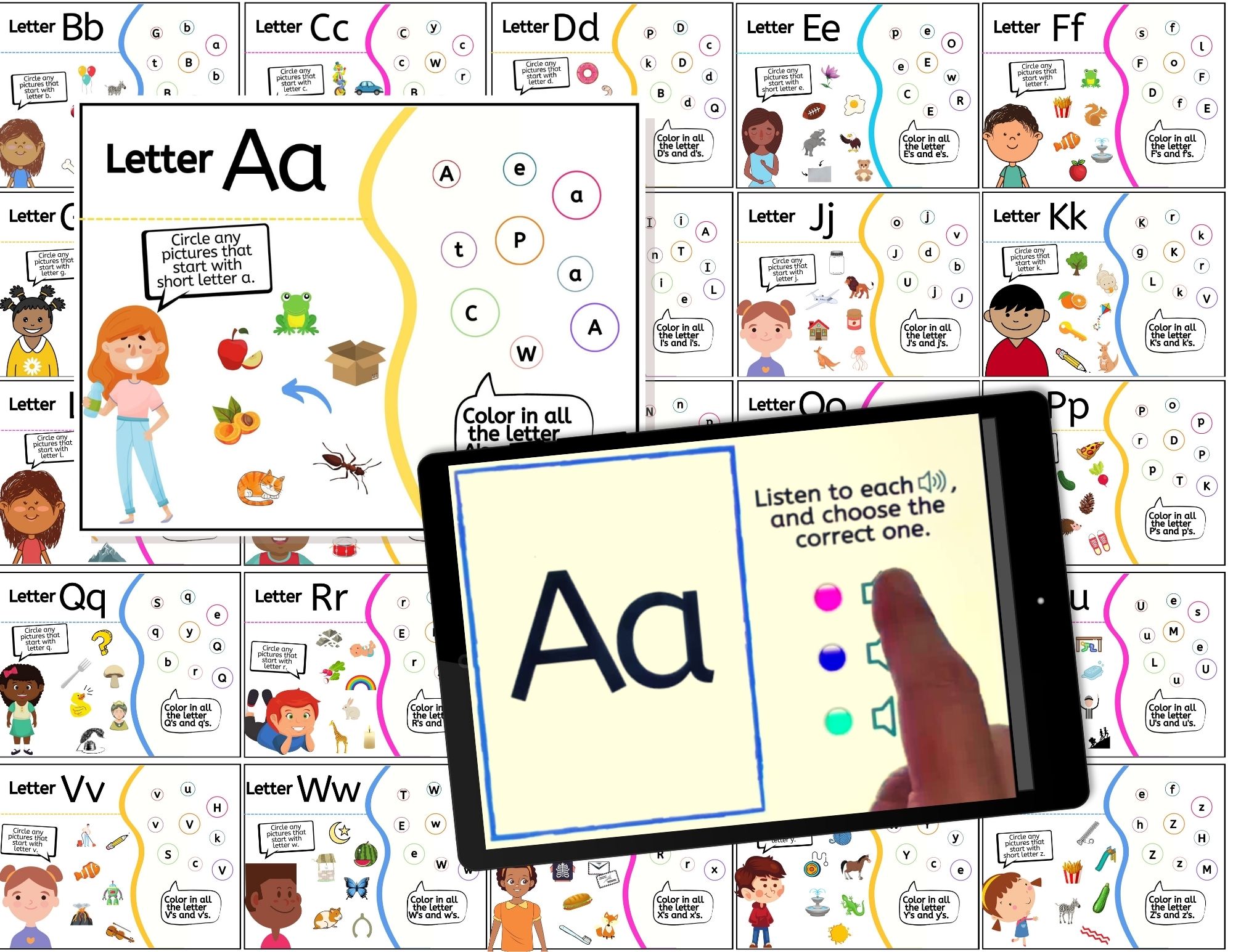
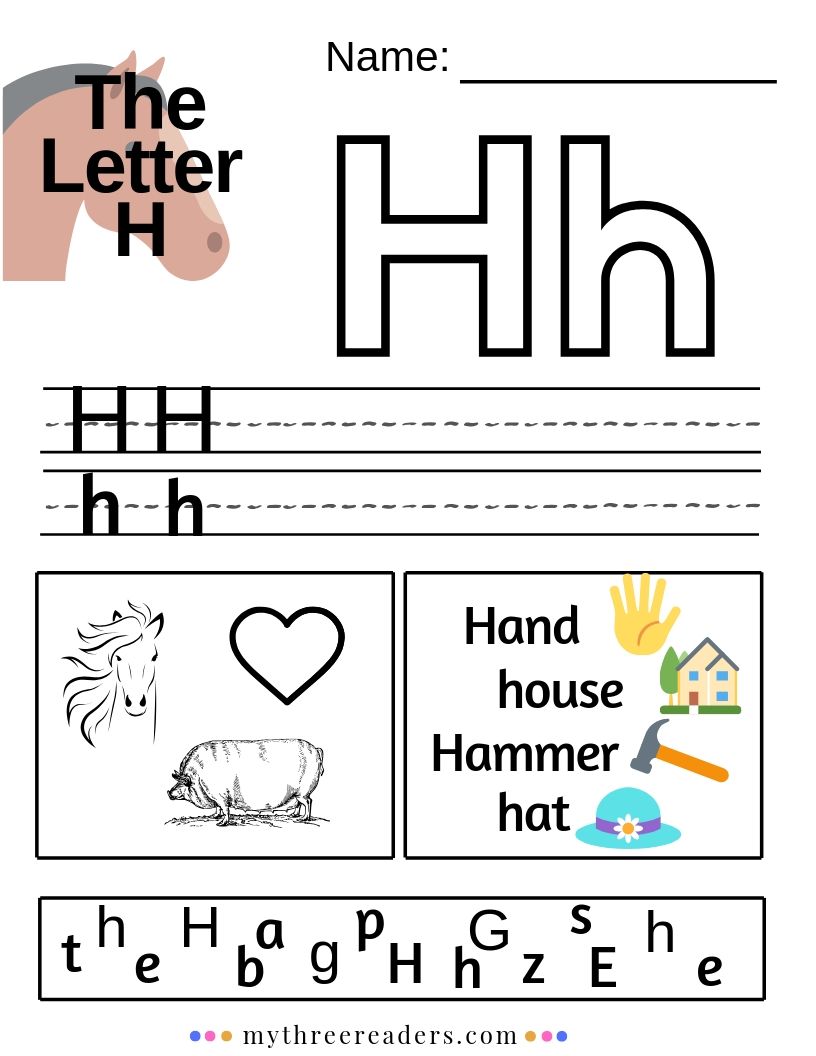
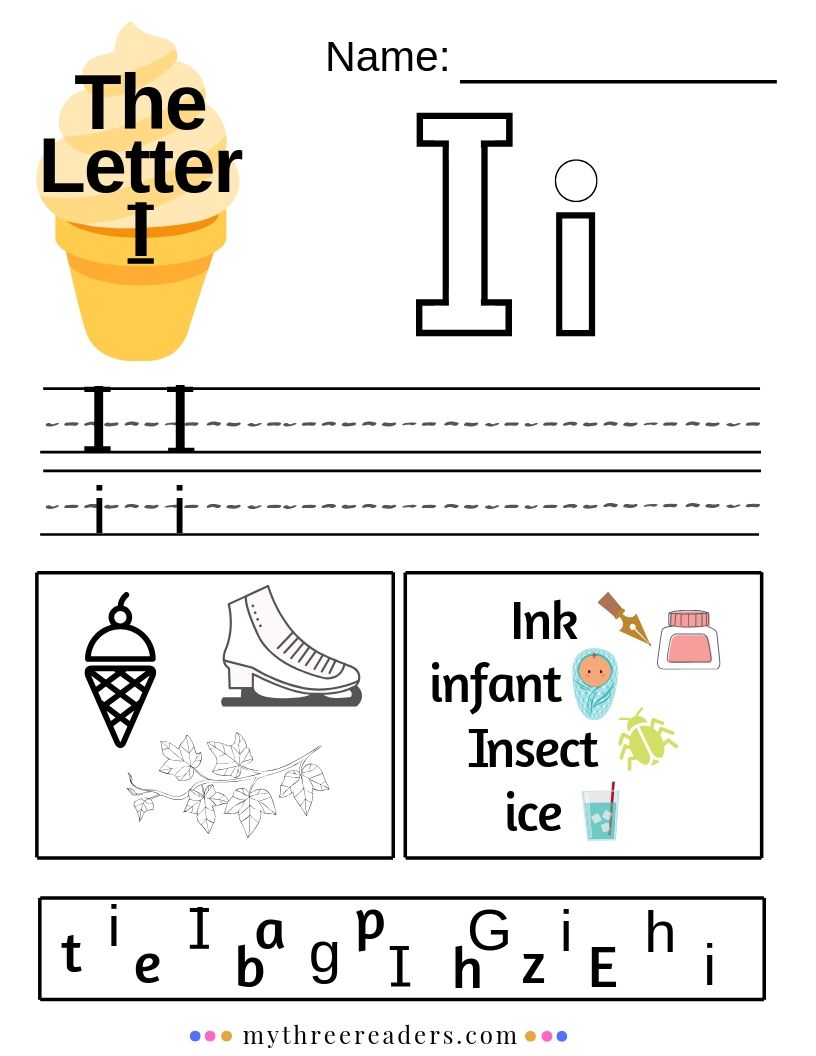
Alphabet Printables A to Z
(You can open and print individually as below, or download an entire .pdf document to print of all letters HERE.)


While you are here check out my review on Abcmouse and be sure to sign up to get it for free 30 days before that promotion ends!




If you are interested in more free printables, like bookmarks, reading certificates, etc., feel free to head on over to THIS BOOKISH FREEBIES PAGE!


Using Boom Cards:
To use Boom Cards, you must be connected to the Internet. Boom Cards play on modern browsers (Chrome, Safari, Firefox, and Edge). Apps are available for Android, iPads, iPhones, and Kindle Fires. For security and privacy, adults must have a Boom Learning account to use and assign Boom Cards. You will be able to assign the Boom Cards you are buying with "Fast Pins," (play provides instant feedback for self-grading Boom Cards). Fast Play is always a free way for students to engage with Boom Cards decks. For additional assignment options, you'll need a premium account. If you are new to Boom Learning, you will be offered a free trial of our premium account. Read here for details: http://bit.ly/BoomTrial.